
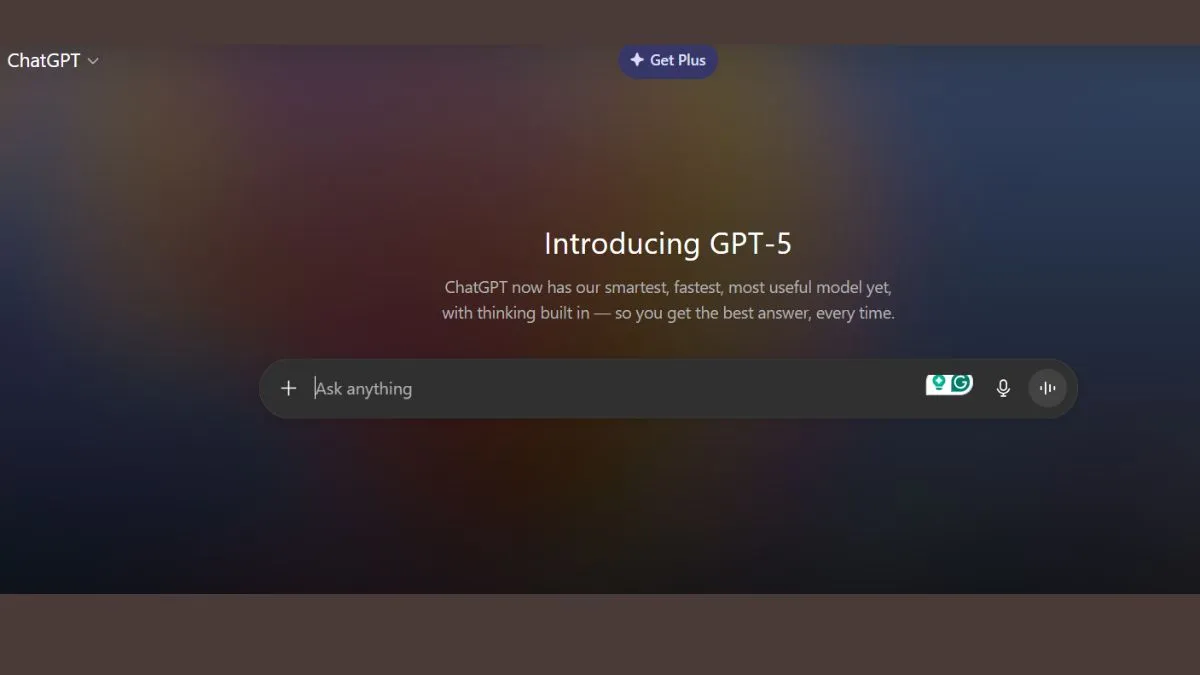
OpenAI has officially unveiled GPT-5, the latest and most advanced model powering ChatGPT. Alongside the model launch, several user-focused features and design changes are making their way into the chatbot, aimed at improving performance, customisation, and integration with everyday tools.
1. Model picker retired: GPT-5 becomes the default
The most noticeable change is the removal of the model picker for most users. GPT-5 is now the default model, replacing GPT-4o, GPT-4.1, and GPT-4.5. The Verge reported that the new auto-switching system combines GPT-5’s various capabilities into a single, faster, and smarter AI, removing the need to swap models manually.
However, ChatGPT Plus, Pro, and Team users will retain a picker to toggle between GPT-5 and GPT-5 Thinking, while Pro and Team users will also gain access to GPT-Thinking Pro.
2. ChatGPT gets ‘Personalities’
One of the standout features is the introduction of four new personalities for text-based interactions:
- Cynic: Sarcastic, witty and blunt.
- Robot: Precise, concise and emotionless.
- Listener: Warm, reflective and calm.
- Nerd: Curious, playful, and knowledge-focused.
Users can switch personalities anytime or revert to the default ChatGPT style.
3. Smarter coding with ‘Vibe Coding’ upgrade
Vibe coding, ChatGPT’s natural-language-based coding tool, now offers more accuracy and detail when processing complex requests. You can preview and interact with AI-generated apps or websites directly in Canvas for a smoother development workflow.
4. More UI customisation options
ChatGPT users can now set a custom accent colour for chat bubbles, highlights, and buttons. On the web, this is available via Settings > General > Accent Colour; on mobile, it’s under Personalisation> Colour Scheme.
5. Advanced voice mode becomes more adaptive
Paid users now get an enhanced Advanced Voice Mode with better instruction comprehension and adjustable speaking styles. OpenAI is retiring standard voice mode and providing “near-unlimited” usage for subscribers, plus bonus hours for free users. This feature also works with custom GPTs.
6. Gmail and Google Calendar integration
Pro users will soon be able to link their Gmail and Google Calendar accounts for personalised scheduling and email assistance. For example, ChatGPT can plan your day, surface missed emails, and manage appointments directly within chats. Other subscription tiers will get this feature soon.
With GPT-5, OpenAI is positioning ChatGPT as not just a conversational AI, but a personalised assistant, developer tool, and productivity hub — all rolled into one.
